Load Balancing

Solutions for applications to stay available

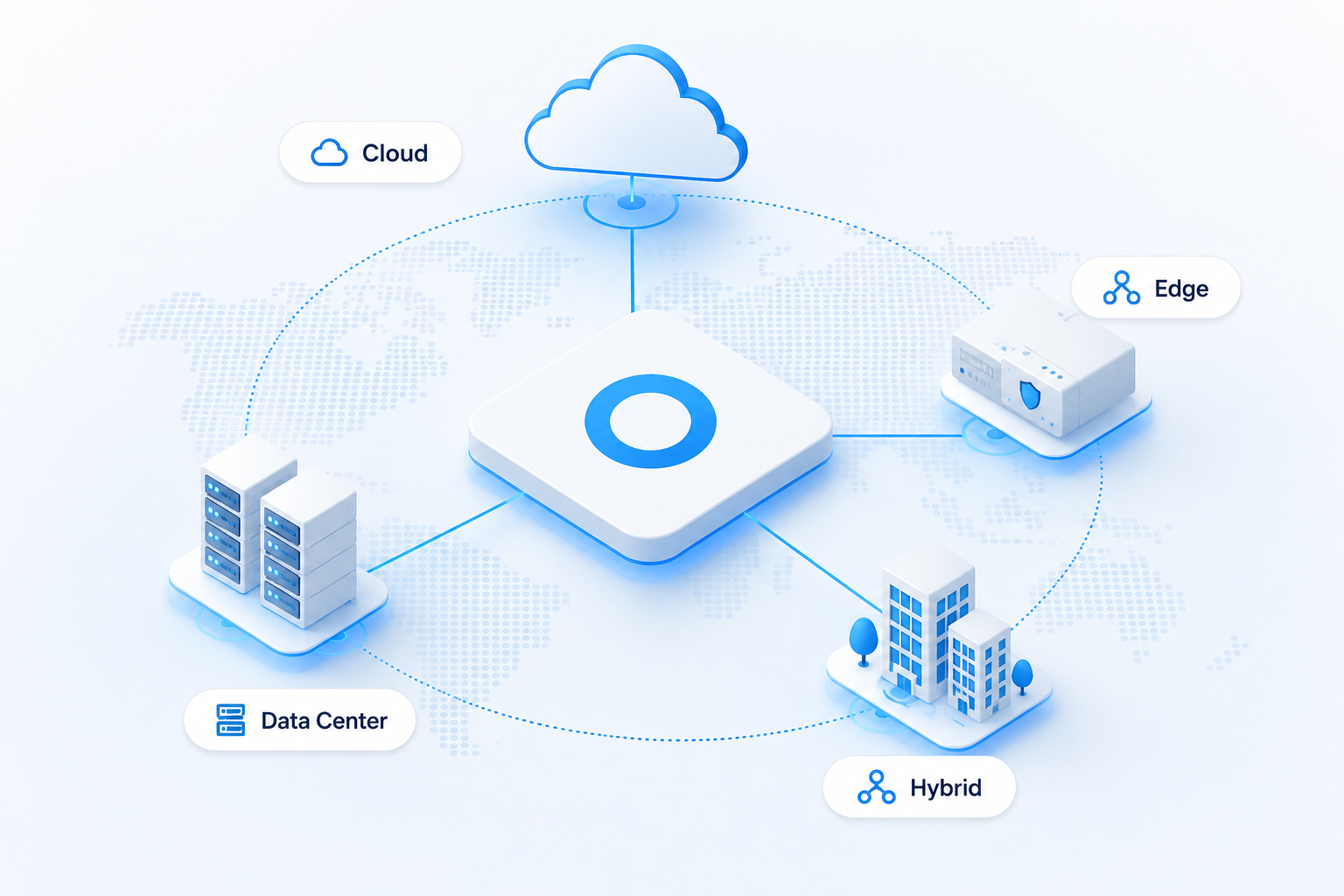
Distribute application traffic across healthy servers, sites and clouds.  Total Uptime gives you flexible load balancing for cloud, on-premises and hybrid infrastructure, with health monitoring, intelligent traffic distribution and failover built around application availability.

Layer 4 & Layer 7

Managed or Self Hosted

Health-Aware Failover

Load Balancing

Keep traffic moving when infrastructure doesn't

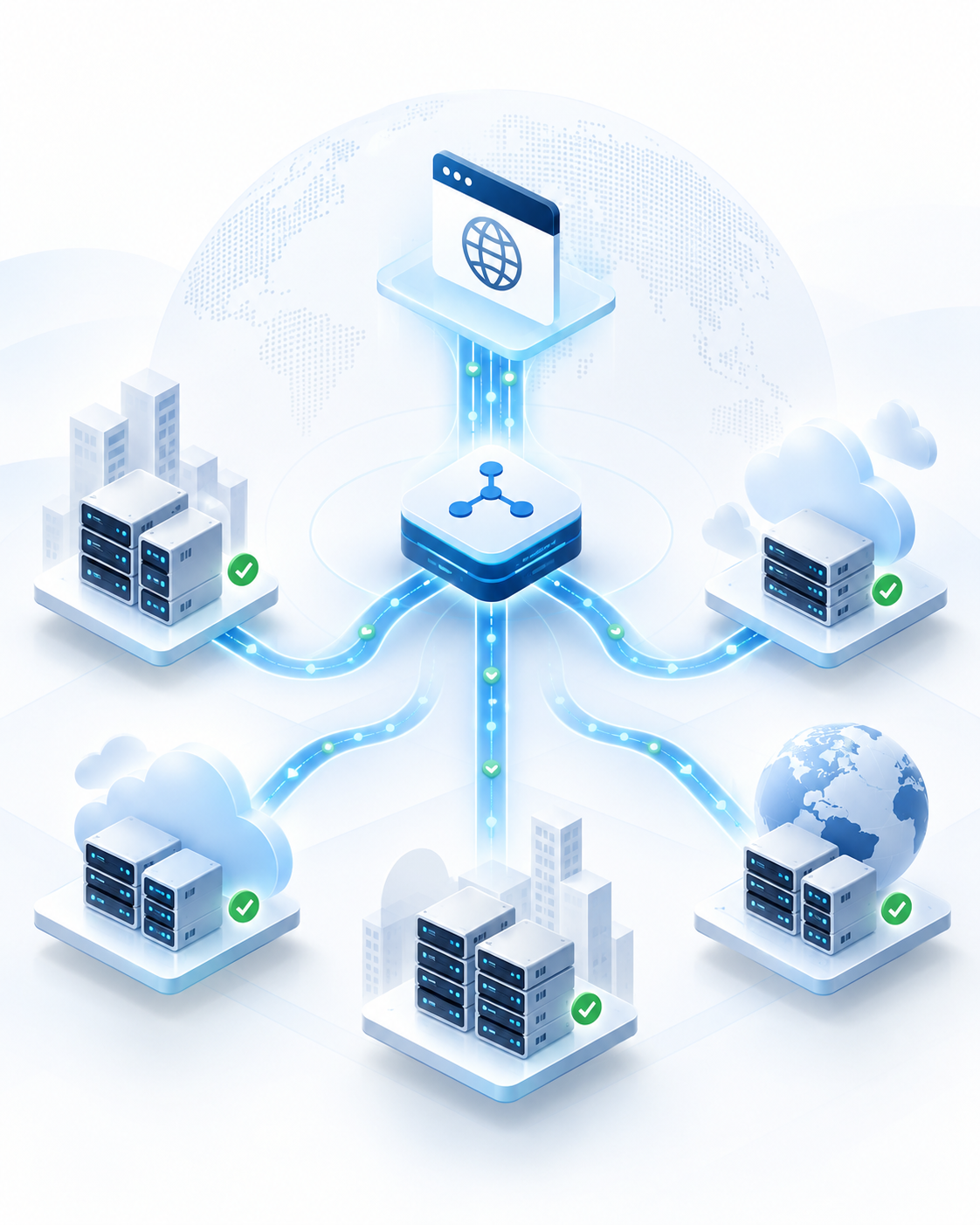
Applications rarely run on a single server anymore. They depend on multiple application servers, APIs, clouds, data centers and network connections.  The challenge is making sure users are always sent somewhere healthy.  Load balancing sits between users and your application infrastructure, distributing traffic across available resources so that one overloaded server, failed endpoint or infrastructure problem does not automatically become an application outage.

Balance the load

Distribute requests across multiple servers instead of allowing one resource to become the bottleneck.

Improve application availability

Continuously check infrastructure health and stop sending traffic to endpoints that can no longer serve the application correctly.

Handle changing demand

Spread traffic across available capacity as application usage and request volumes change.

Build resilience

Design applications around multiple healthy endpoints rather than relying on a single server, location or provider.

What is load balancing?

Load balancing is the process of distributing incoming application or network traffic across two or more servers or endpoints.

Available. Responsive and resilient.

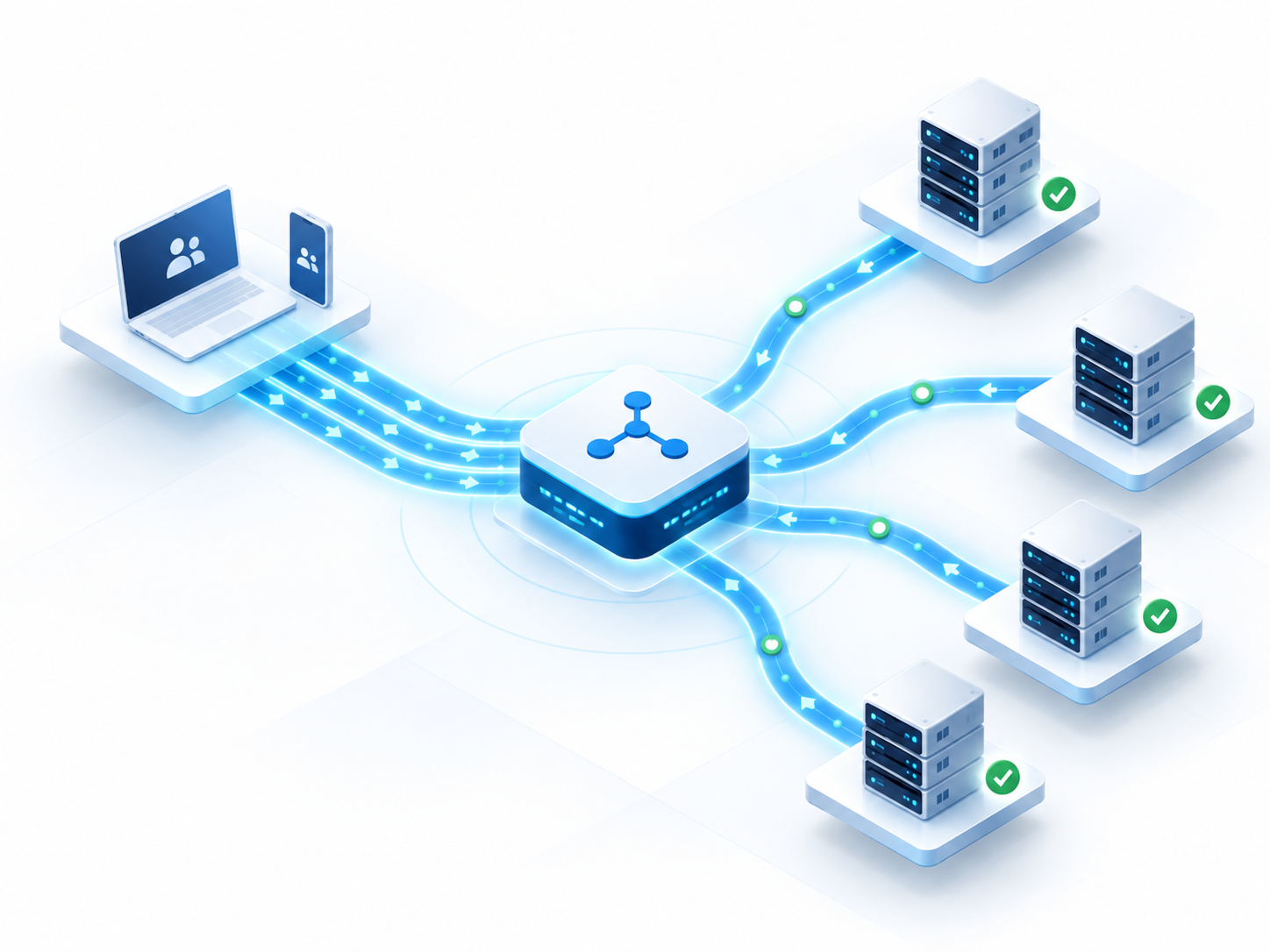
A load balancer monitors the resources delivering an application and uses defined routing policies to decide where each connection or request should go.

If a server becomes unavailable, overloaded or fails a health check, traffic can be directed toward another healthy resource.

Load balancing. Your infrastructure. Your choice.

Managed Cloud

Managed Cloud Load Balancing

Run load balancing on Total Uptime’s managed infrastructure without deploying or maintaining the underlying platform yourself.


Distribute traffic across servers, data centers and cloud environments using Layer 4 and Layer 7 load balancing, health monitoring, traffic policies, session persistence and automated failover.


Best suited to:
Organizations that want resilient application traffic management without operating their own load balancer infrastructure.

Self-hosted

Self-Hosted edgeADC Load Balancer

Deploy application load balancing inside infrastructure you control, including data centers, private cloud and public cloud environments.


edgeADC combines Layer 4–7 load balancing with health monitoring, application traffic management, SSL offload, acceleration and high-availability capabilities.

 

Best suited to:
Organizations that want direct control of their application delivery infrastructure.

Need more than load balancing?

For organizations looking for broader managed application delivery capabilities without operating their own ADC infrastructure, Total Uptime also provides ADC-as-a-Service.

Critical Application Delivery

How load balancing works

Traffic reaches the load balancer

Users or applications connect to the service through a virtual IP, hostname or other application endpoint.

Infrastructure health is continuously checked

Health monitors determine whether the servers or services behind the application are actually ready to receive traffic.

Traffic is distributed intelligently

The load balancer applies the appropriate routing method, persistence rule or application policy to select a healthy destination.

Failed resources are removed from service

If an endpoint becomes unhealthy, new requests can be directed toward available infrastructure instead.

Choose how your traffic is distributed

Round Robin

Distribute connections sequentially across available servers.

Least Connections

Direct new connections toward the server currently handling the fewest active connections.

Least Response Time

Use application or server responsiveness to help determine where traffic should be sent.

Weighted Distribution

Give higher-capacity infrastructure a greater share of incoming traffic.

Session Persistence

Keep users associated with the appropriate backend resource when an application requires session affinity.

From one server pool to global application delivery

Load balancing and Global Server Load Balancing solve related problems at different levels.    

Server load balancing

Distributes traffic across application resources within a service or environment.

Global Server Load Balancing (GSLB)

Makes traffic-routing decisions across multiple locations, regions, data centers or clouds.  A resilient application architecture can use both.  For example, GSLB can direct a user toward the right application location, while a load balancer within that location distributes traffic across the healthy servers delivering the application.

Load balancing is one part of application delivery

Built around availability

Traffic decisions are designed around keeping applications reachable when infrastructure changes or fails.

Managed or self-hosted

Let Total Uptime operate the service or deploy application delivery inside infrastructure you control.

Cloud without cloud lock-in

Build across servers, sites and providers rather than making one infrastructure platform the center of your availability strategy.

Real technical support

Total Uptime provides 24×7 phone and email support, with engineers who understand the application delivery platform

Frequently asked questions

Quick answers to the questions infrastructure teams ask most.

What does a load balancer do?

A load balancer receives incoming traffic and distributes it across multiple application servers or endpoints. It can use server health, current connections, response times and other rules to determine where traffic should be sent.

Load balancing reduces dependence on individual servers by distributing traffic across multiple healthy resources. If one resource fails or becomes unavailable, traffic can be directed toward other healthy endpoints.

A load balancer can reduce downtime caused by individual server or application failures, but application availability also depends on other components such as DNS, networks, data centers and cloud infrastructure. A complete availability strategy should consider the entire application delivery path.

Layer 4 load balancing makes traffic decisions using network information such as IP addresses and ports. Layer 7 load balancing understands application protocols such as HTTP and HTTPS and can make more application-aware routing decisions.

Load balancing typically distributes traffic across servers or services within an application environment. Global Server Load Balancing distributes traffic across multiple locations, data centers, clouds or regions.

Yes. Total Uptime provides managed and self-hosted application delivery options for cloud, on-premises and hybrid environments.

Managed load balancing is suited to organizations that do not want to operate the underlying platform themselves. Self-hosted load balancing is better suited to environments where the organization needs direct control of the application delivery infrastructure.

Customer success

Trusted by IT Teams Worldwide

Real organisations. Real resilience. Real results.

Rated by the people who use us.

Build load balancing around the application, not the infrastructure

Show one of our application delivery engineers how your environment works today and we’ll help you identify the right managed, self-hosted or hybrid approach.